
 EN
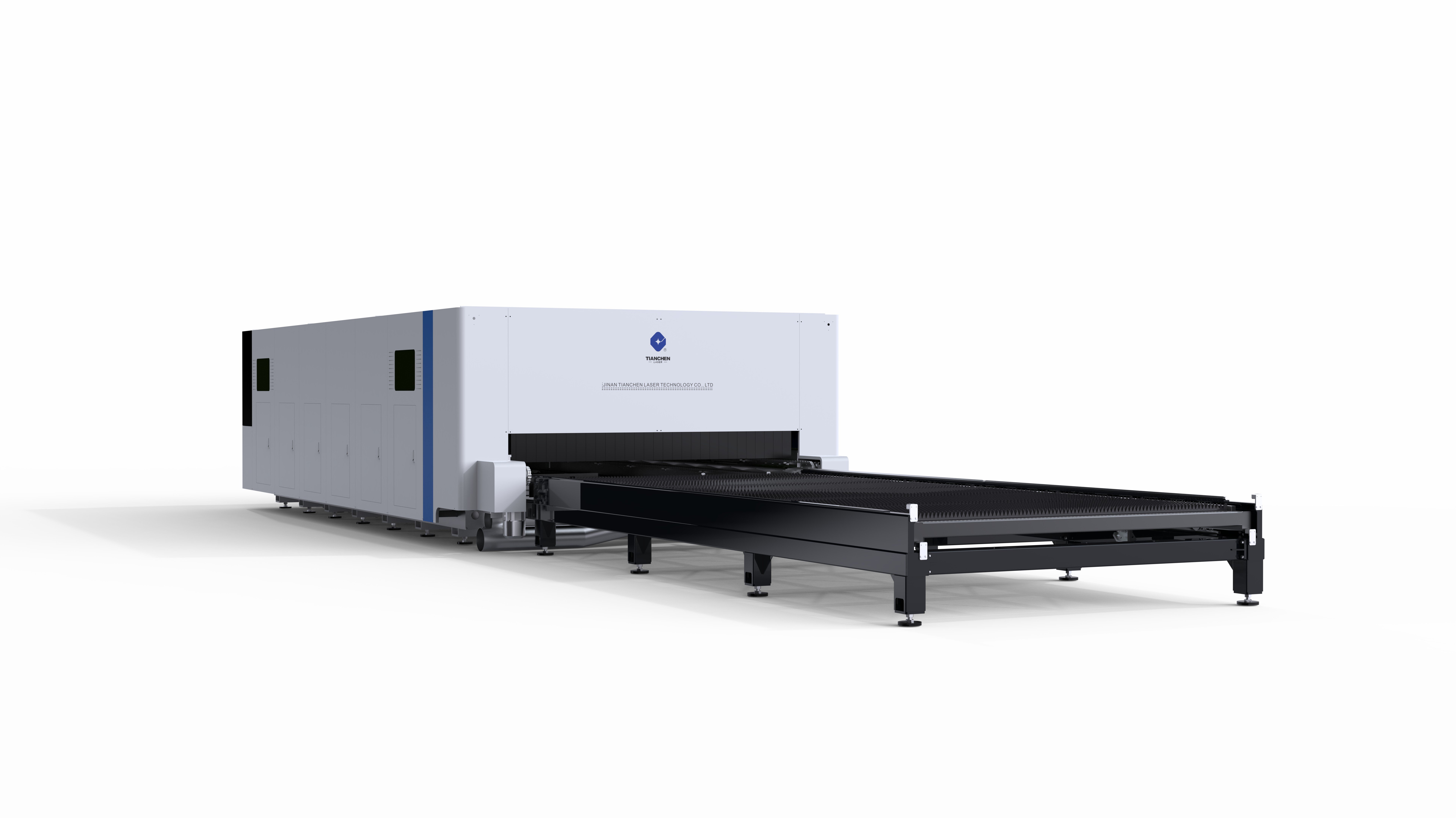
Why a Laser CNC Machine Is the Ideal Entry Point for Beginners
A laser CNC machine removes the two biggest barriers for first-time makers: complex mechanical setup and unforgiving toolpaths. Unlike traditional CNC routers—which require bit changes, chip clearing, and constant feed-rate adjustments—a laser system uses a non-contact beam. That means no broken tools, no physical force on the workpiece, and a significantly gentler learning curve while you’re still mastering design fundamentals.
Modern beginner-oriented machines prioritize predictable output over raw speed or power. Most include material presets, so selecting wood, acrylic, or coated metal automatically loads safe, tested power and speed settings. This lets novices move from unboxing to a successful first engraving in one sitting—no memorization of dense parameter charts required. Lower equipment costs also reduce financial risk; many users begin with a compact desktop unit to validate product ideas before scaling up. And because the beam never contacts the material, maintenance is limited to lens cleaning and ventilation checks.
Perhaps most important, feedback is immediate. You see exactly where the beam will travel, and mistakes typically affect only the top surface—not the entire workpiece. That visibility builds confidence faster than subtractive tools that can ruin a part in seconds. For hobbyists, educators, and small-batch creators, this type of CNC system is the most forgiving, accessible path into computer-controlled fabrication—so beginners spend time creating, not troubleshooting.
Core Features That Make Laser CNC Machines Beginner-Friendly
A well-designed laser CNC machine removes much of the guesswork from first projects. Entry-level models now combine intuitive controls with hardware safeguards, so new operators can focus on creating instead of troubleshooting.
Intuitive software interface and one-click operation modes
Beginner-friendly laser CNC machines rely on clear, visual software—not complex industrial programming. The interface displays cutting and engraving settings in plain language, letting users select tasks without typing code. One-click operation modes let novices import a design, choose a material, and start the job quickly. Many systems include preview windows that show exactly where the laser will move, helping users learn correct placement and timing. With no physical cutting bit to manage, operators avoid chatter, broken tools, and feed-rate errors. Short training sessions are usually enough to produce consistent results—making the laser CNC machine approachable for hobbyists, makers, and small workshops.
Built-in safety locks, auto-focus, and material presets
Safety features on beginner laser CNC machines reduce risk while improving repeatability. Enclosed cabinets with interlock sensors stop the laser beam immediately when a door or lid opens. Auto-focus systems measure the distance to the workpiece and adjust the laser head automatically—eliminating manual calibration. Material presets store recommended power, speed, and pass counts for common substrates like wood, acrylic, leather, and paper. Users simply select the material type, and the machine loads suitable settings—preventing scorching, incomplete cuts, and wasted stock. Magnetic switches and protective windows add another layer of security for first-time operators. Together, these features lower the learning curve and help novices achieve usable results on their first attempt.
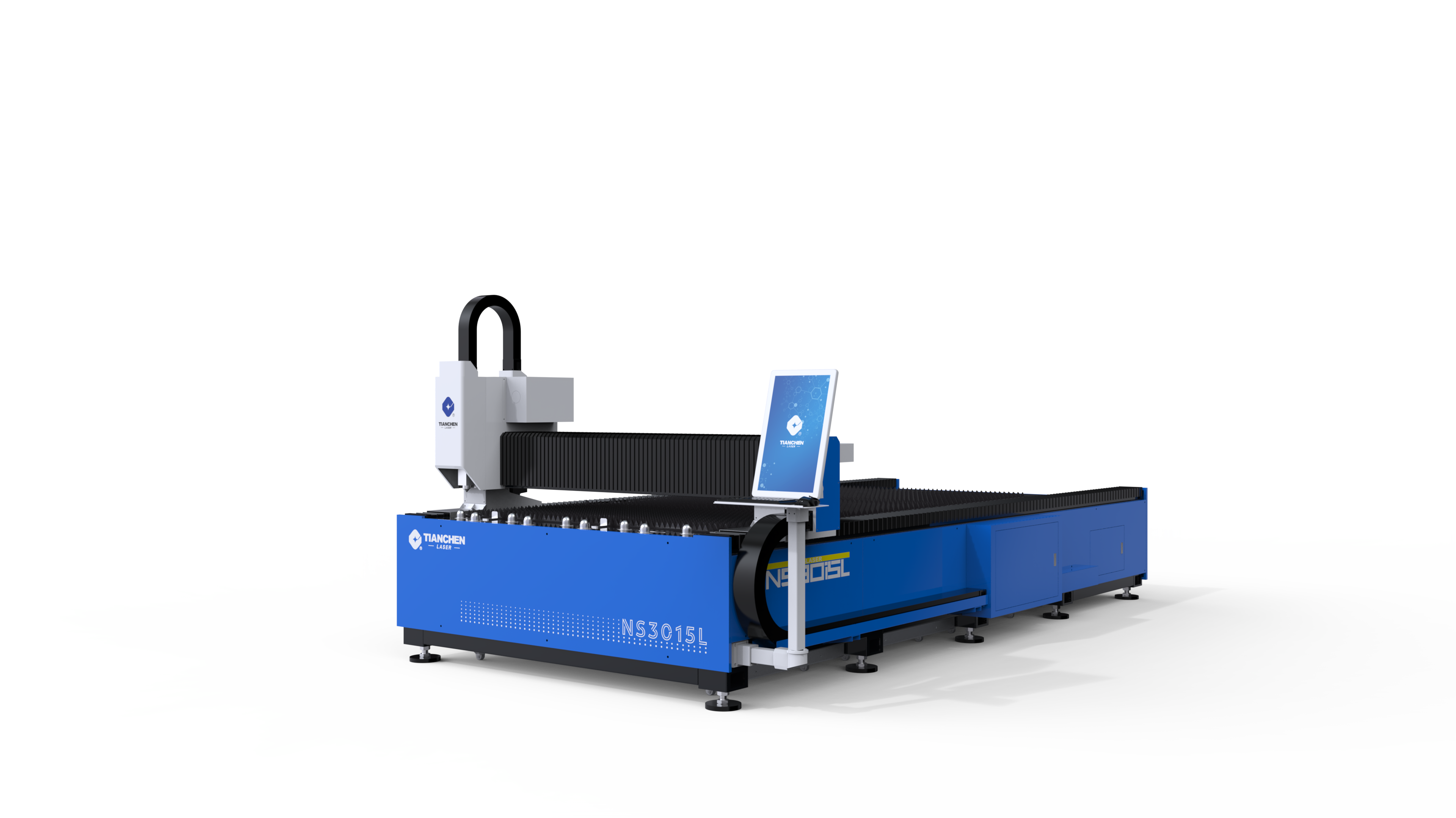
Getting Started: Setup, Safety, and First Cut in Under 30 Minutes
Unboxing, leveling, and plug-and-play calibration
Unpack the laser CNC machine on a flat, stable workbench and remove foam blocks or zip ties from the gantry and rails. Check that the bed sits level, then connect the exhaust hose and power cable. Many beginner systems offer auto-focus and material presets, so you can select plywood or acrylic, run a small test square, and adjust speed or power directly from the control panel. Use a test grid on scrap material to confirm focus before making your first full cut. This plug-and-play calibration usually takes less than 30 minutes—and following it closely reduces the risk of burn marks, misalignment, or incomplete cuts.
Essential PPE and workspace requirements for novice operators
Before the first cut, wear laser-rated safety glasses matched to the machine’s wavelength (typically 10.6 µm for CO₂ lasers), and avoid loose clothing or jewelry. Keep a Class C fire extinguisher and first aid kit within reach, and route the exhaust outside or through a high-efficiency particulate air (HEPA) and activated carbon filtration system. Clear the work area of paper, rags, and flammable liquids. If the machine lacks a fully enclosed cover, use an acrylic shielding panel rated for your laser’s power. Maintain at least 3 feet of clearance around the machine in a tidy, ventilated workspace to reduce fire risk and improve material handling safety. Never leave the machine running unattended during early sessions. After each use, allow the machine to cool before covering or storing nearby materials.
Design to Output: Simplified Workflow for First-Time Users
Once your laser CNC machine is calibrated, the path from idea to finished part is simpler than it looks. Beginner-friendly software bridges the gap between a sketch and the machine. The workflow splits into two clear stages: creating the file and choosing the right cutting technique.
Using beginner tools (e.g., LightBurn Quick Start, Canva + SVG export)
Start with a vector file—it preserves sharp, scalable lines essential for clean cuts and engravings. Most laser control programs, including LightBurn, include a Quick Start mode that guides you step-by-step through importing, sizing, and applying power/speed presets. If you don’t have design software, create a simple shape in a free graphic tool like Canva and export it as an SVG. Keep shapes on a single layer, and name layers by action—e.g., ‘cut’, ‘engrave’, or ‘kiss-cut’—so the machine interprets your intent correctly. This avoids confusion before pressing start and leads to cleaner, more reliable output.
Understanding laser techniques—vector cut, raster engrave, kiss cut—without jargon
Three basic actions cover most beginner projects:
- Vector cut: The laser follows the outline of a shape to slice completely through the material.
- Raster engrave: The laser scans back and forth across a filled area—like an inkjet printer—to create shading, texture, or text.
- Kiss cut: The laser cuts only through the top layer (e.g., vinyl or sticker stock), leaving the backing intact for easy peeling.
Choose vector cut for outlines and silhouettes, raster engrave for photos or filled graphics, and kiss cut for decals or labels. Always test on scrap material first—and start at low power, increasing gradually until you achieve clean, consistent results.
FAQs
Why is a laser CNC machine suitable for beginners?
A laser CNC machine eliminates complex toolpaths and mechanical settings, offering non-contact operation and simplifying the learning curve for first-time users.
What software is recommended for novice users?
Software like LightBurn Quick Start and Canva for designing vectors helps beginners easily create and export files for laser engraving and cutting.
What materials can I work with using a laser CNC machine?
Commonly supported materials include wood, acrylic, coated metal, leather, and paper. Material presets often simplify selecting the appropriate settings.
How do I ensure safety while operating a laser CNC machine?
Wear laser-rated safety glasses, maintain a tidy workspace, use a Class C fire extinguisher, and follow proper ventilation protocols. Avoid leaving the machine unattended during operation.
What are the main actions supported by laser CNC machines?
The main actions are vector cutting for shapes, raster engraving for shading and textures, and kiss cutting for decals or labels.